Tasmota V2 Matter
Newer Smart Hut Tasmota plugs include Matter support and expose Matter configuration directly from the main menu.
Open Matter from the main menu, then use the Matter enable checkbox if you need to re-enable commissioning.
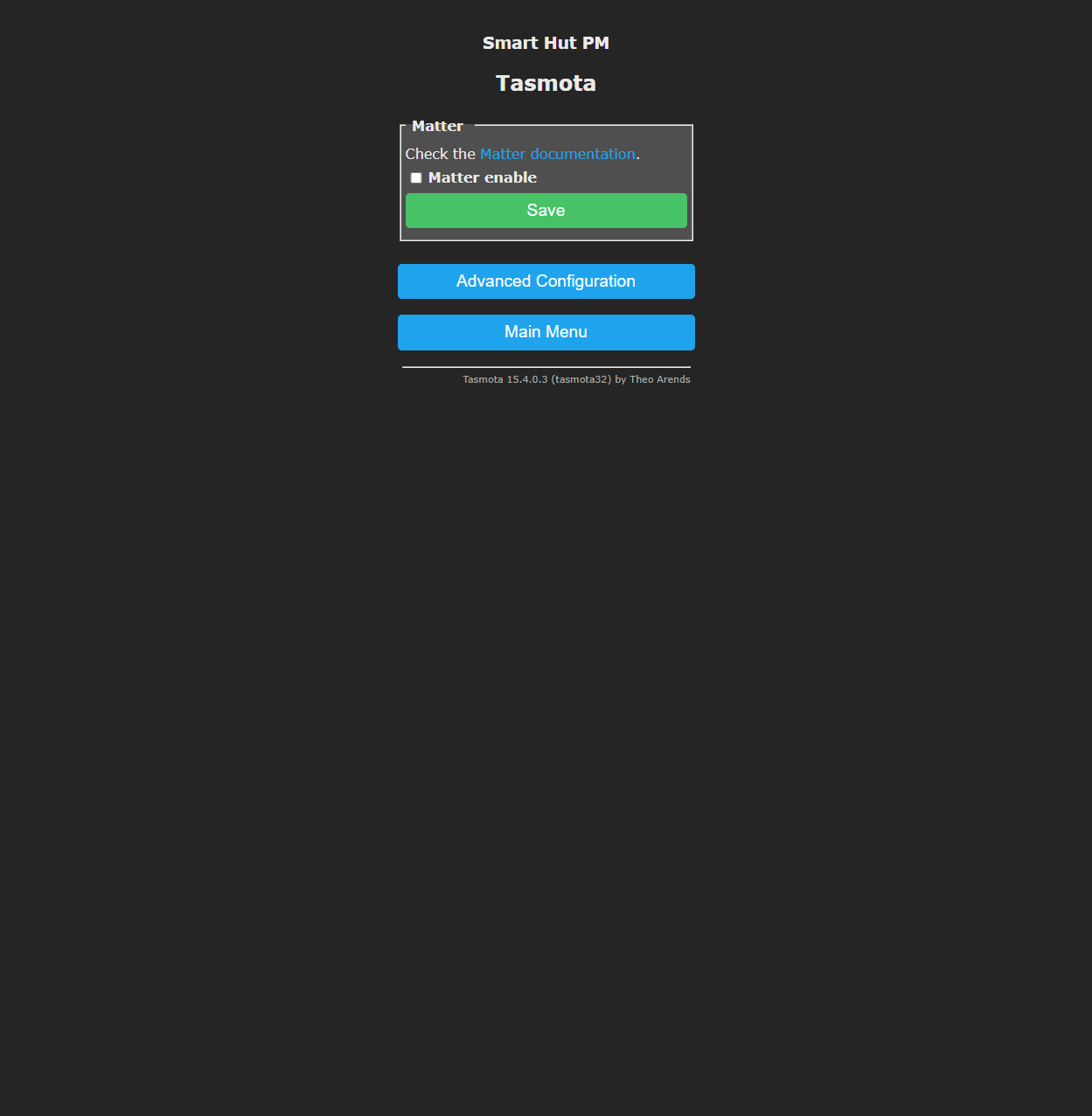
After saving, the plug restarts and opens Matter commissioning for a limited time.
If commissioning is active, the pairing information appears on the plug's main interface after the restart.
Use the QR code or manual pairing code from the plug page to add it to your Matter controller, such as Amazon Alexa, Apple Home, Google Home, SmartThings, or Home Assistant.
For Alexa requirements and step-by-step pairing instructions, see Amazon Alexa.
Advanced Matter Options
The Advanced Configuration button under the Matter page opens a minimal advanced page for Matter-specific actions.
Use advanced Matter options only if you need to inspect fabrics, remove a pairing, or troubleshoot commissioning.
Related UI
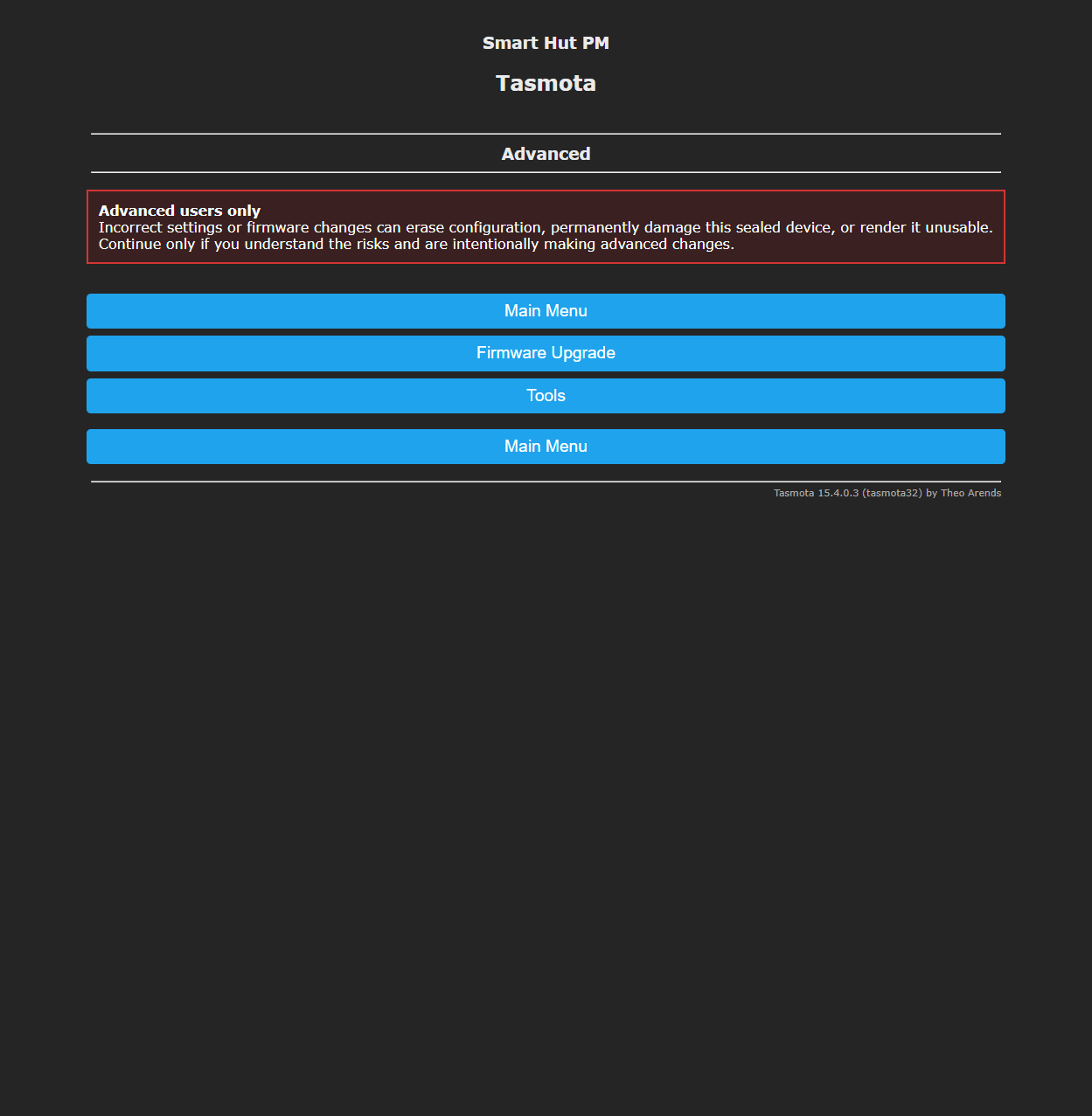
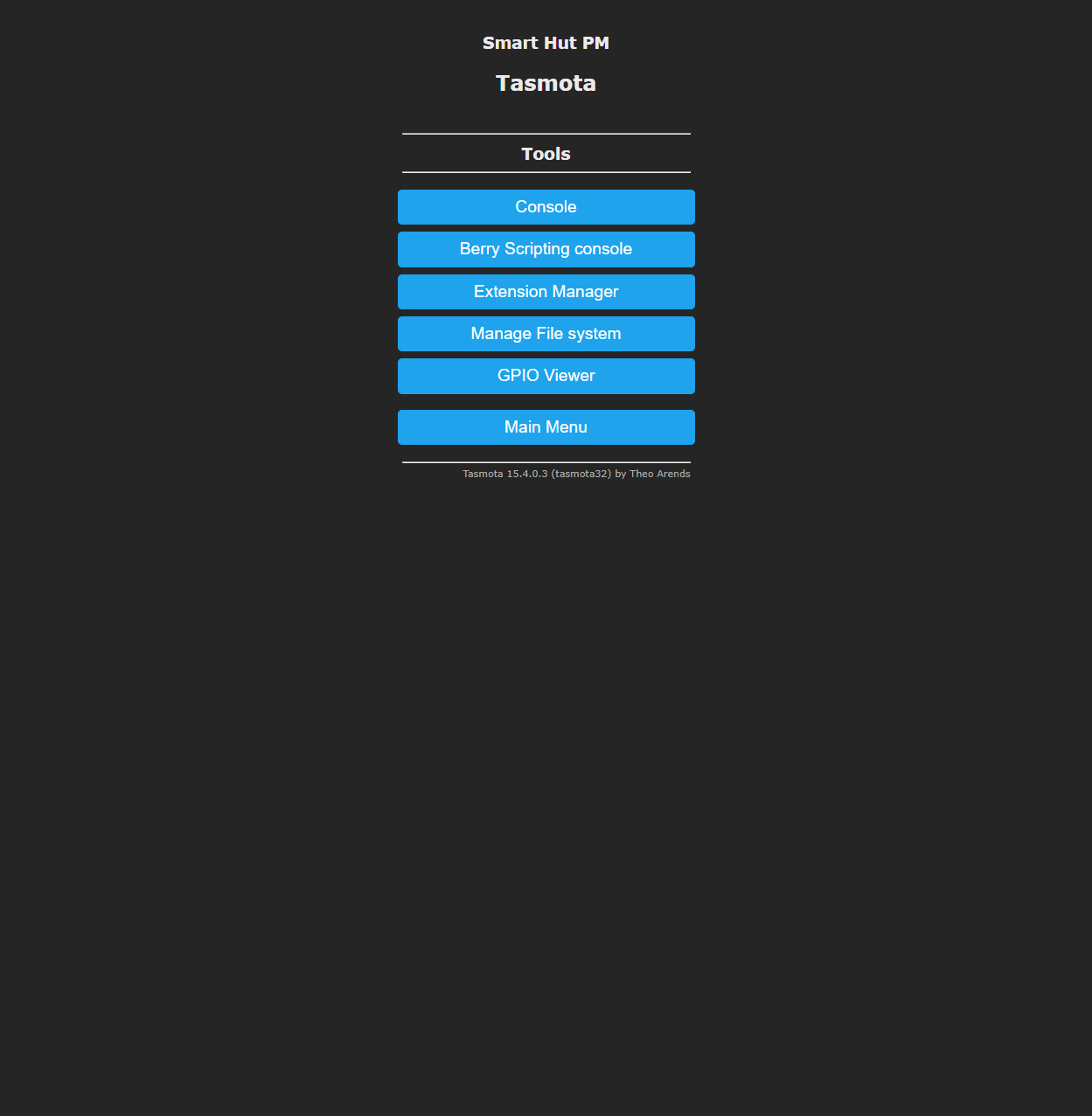
The newer firmware also splits advanced tools into separate pages: